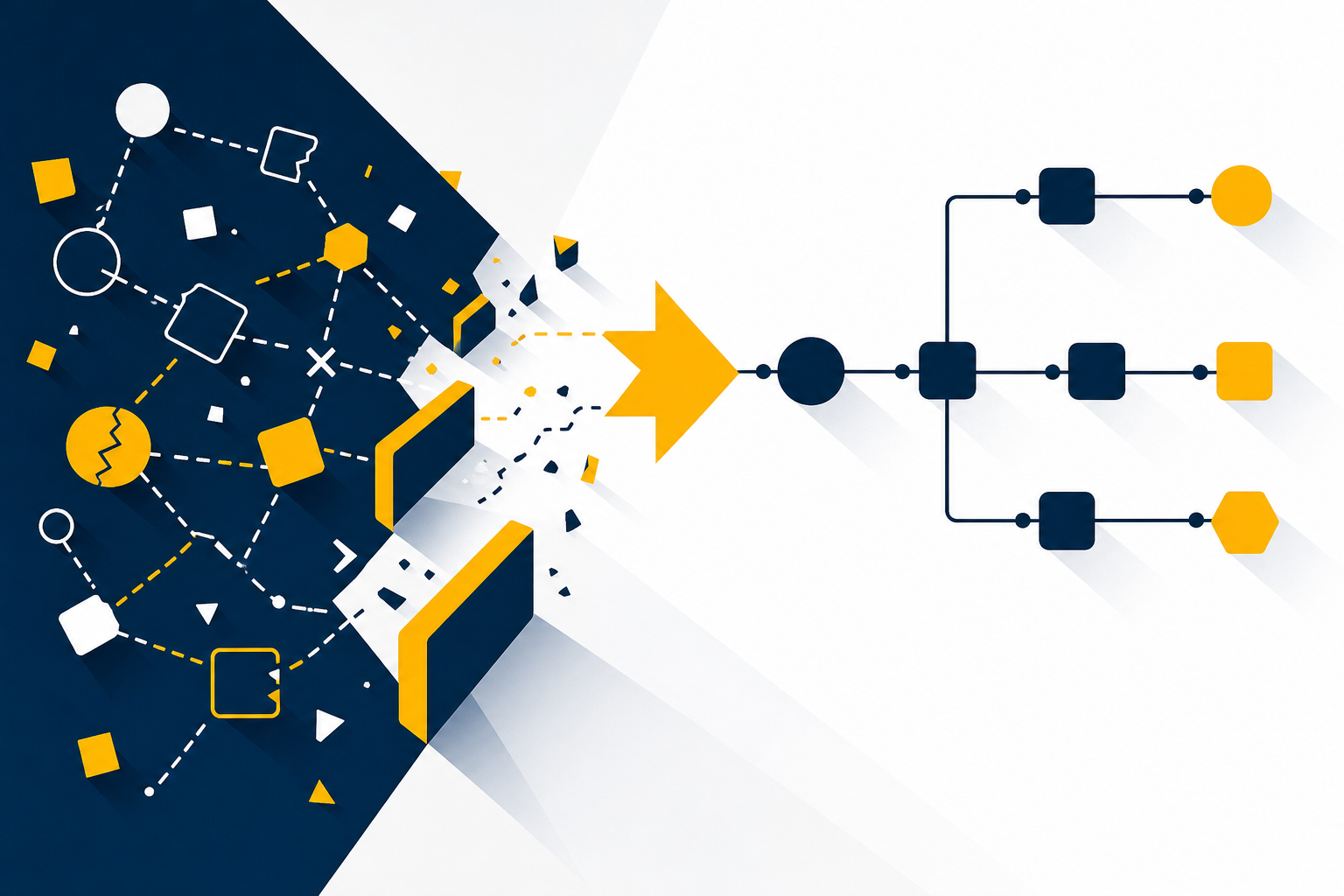
Most sales teams already have a CRM. The problem is that their customer interaction tracking still runs on memory, scattered inboxes and manual notes. The result is a pipeline that looks full on screen but tells you almost nothing about what actually happened in each conversation.

As a HubSpot Diamond Partner in Australia, UpLaunch helps mid-market businesses close this gap by structuring CRM data so every interaction is captured, attributed and actionable.
This article covers the seven most common reasons sales teams lose visibility of customer interactions and what you can do about each one.
Key Takeaways: Customer Interaction Tracking in CRM
- Manual CRM data entry is the single largest source of missing customer interaction records in mid-market teams.
- Disconnected communication channels create blind spots that no amount of rep discipline can fix on its own.
- Poorly defined sales stages cause interaction data to sit in the wrong context, hiding real deal progress.
- UpLaunch structures HubSpot implementations so activity logging happens automatically from connected channels, not from manual rep entry.
- Regular CRM audits and automation rules are the fastest path to reliable interaction visibility across your team.
Common Reasons Your Sales Team Loses CRM Interaction Visibility
1. Reps Rely on Manual Data Entry Instead of Automation
When reps type call notes and email summaries into CRM fields by hand, details get lost. The information that makes it into the record reflects what someone had time to write, not what actually happened during the conversation.
According to Validity's 2025 State of CRM Data Management report, 76% of organisations said less than half of their CRM data is accurate and complete. Automating activity capture through email sync, call logging and calendar integration removes the gap between the interaction and the record.
2. Communication Channels Are Not Connected to the CRM
Your team communicates across email, phone, LinkedIn messages, SMS and video calls. If only one or two of those channels feed into your CRM, the record is incomplete by design. A rep might close a deal over a phone call that never gets logged because the telephony system is not integrated.
Connecting every customer-facing channel to your CRM is a prerequisite, not a nice-to-have. Start with the channels your team uses most and work outward. Each integration closes a gap that manual entry cannot.
3. Sales Stages Are Poorly Defined or Inconsistent
When pipeline stages do not match your actual sales process, reps move deals forward based on convenience rather than buyer behaviour. Interactions attached to the wrong stage lose their context. A discovery call logged against a negotiation stage tells you nothing useful about where the deal actually stands.
Map your pipeline stages to real buyer actions. Define clear entry and exit criteria for each stage so the data matches reality. When stages reflect what the buyer did, the interactions attached to them become meaningful.
4. No Standard Process for Logging Activities
Without a shared standard for what gets logged and when, each rep creates their own system. One rep logs every call. Another only logs calls that result in a next step. The inconsistency means your reporting shows activity volume that varies by habit, not by actual customer engagement.
Define a minimum logging standard for your team. Specify which activity types must be recorded, what fields are required and how soon after an interaction the record needs to exist. Automate as much of this as your CRM allows.
5. CRM Adoption Is Low Because the System Feels Like Extra Work
If your CRM adds friction to a rep's day without giving them something back, they will avoid it. Low adoption means interactions happen but never reach the record. The CRM becomes a reporting tool for managers rather than a working tool for the team.
The fix is structural. Reduce the number of required fields to what actually matters. Configure workflows that auto-populate data from connected systems. When the CRM does work for the rep instead of creating work, adoption follows.
6. Contact Records Are Duplicated or Incomplete
Duplicate contacts split interaction history across two or more records. A customer who has been contacted five times might show only two logged activities because three are sitting on a duplicate. Incomplete records, those missing phone numbers, email addresses or company associations, make it impossible to attribute interactions correctly.
Run regular deduplication and data quality checks. Set up validation rules at the point of entry so required fields cannot be skipped. HubSpot's data quality tools can flag duplicates and incomplete records before they compound into a larger problem.
7. Reporting Is Built on Lagging Indicators Only
Most CRM reports track outcomes like closed deals and revenue. Fewer track the leading indicators that explain those outcomes, such as interaction frequency, response times and engagement patterns. Without these, you only find out about a visibility problem after a deal has already stalled or been lost.
Build reports that track interaction-level metrics alongside deal-level metrics. Monitor activity gaps per deal, average time between touches and the ratio of logged interactions to deal stage progression. These tell you where visibility is breaking down before it costs you revenue.
How to Rebuild Interaction Visibility Across Your Sales Team
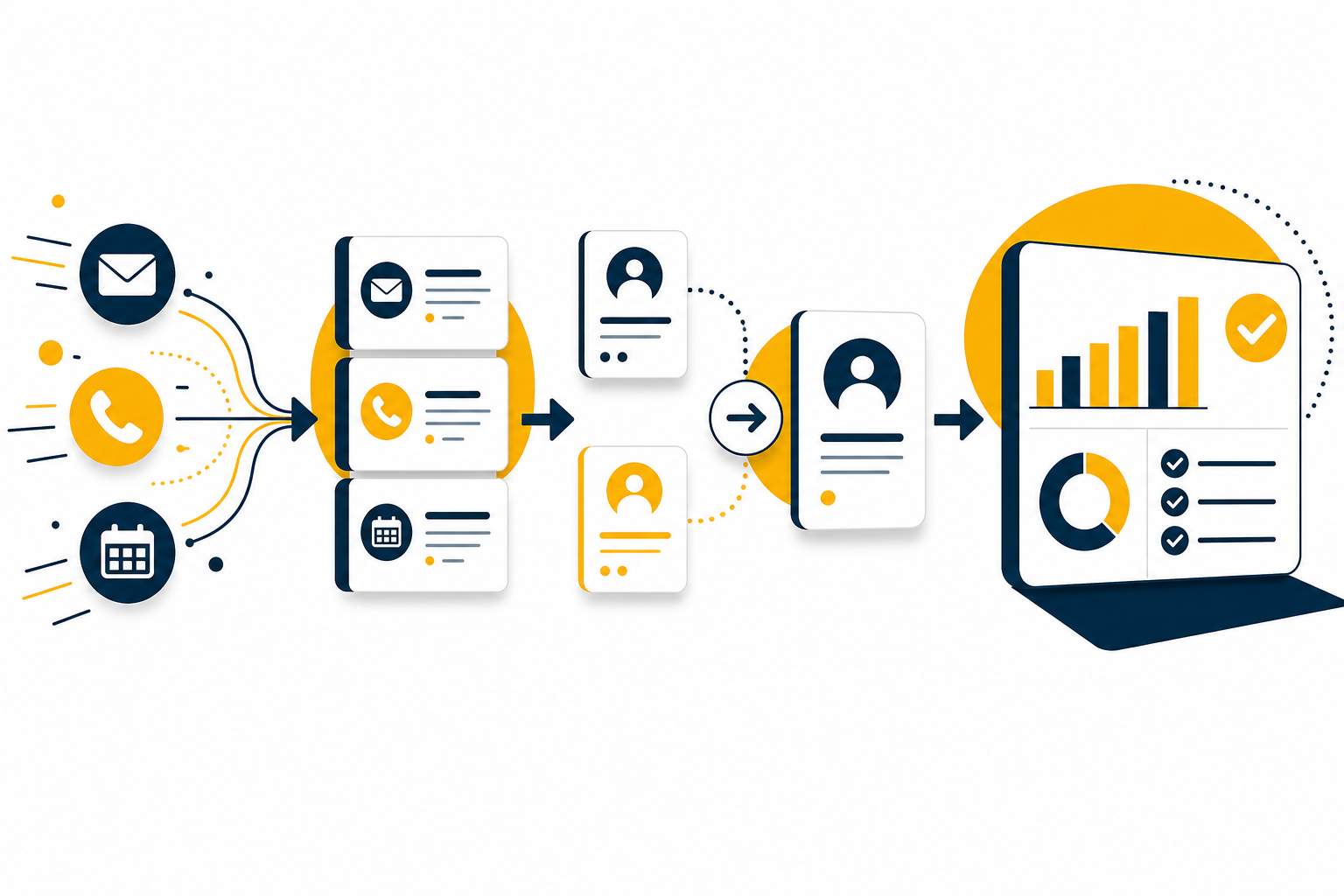
Fixing interaction visibility is a sequencing problem. Start with data capture, because nothing else works if the data is not getting into the system. Connect your communication channels first. Then standardise your logging process and clean your existing records.
Once the foundation is solid, layer on reporting that tracks leading indicators. UpLaunch builds HubSpot implementations in this order deliberately, because automation on top of messy data just automates the mess faster.
A structured discovery call is where this sequence starts. You walk away with a clear picture of what to fix first, regardless of whether you go ahead.
FAQs About Customer Interaction Tracking in CRM
What is customer interaction tracking in a CRM?
Customer interaction tracking is the process of recording every touchpoint between your sales team and a prospect or customer inside your CRM. This includes emails, calls, meetings, chat messages and social media conversations, all linked to the correct contact and deal record.
Why do sales teams struggle with CRM data accuracy?
The core issue is that most CRM data depends on manual entry. Reps prioritise selling over admin, so records are updated late, partially or not at all. Disconnected tools compound the problem by keeping interaction data outside the CRM entirely.
How does poor interaction visibility affect sales forecasting?
Forecasts rely on pipeline data that reflects real deal progress. When interactions are missing, deal stages carry outdated or inaccurate context. This means your forecast is based on what someone typed, not on what the buyer actually said or did.
What is the fastest way to improve CRM interaction tracking?
Automate activity capture for your highest-volume channels first. Email sync and calendar integration typically close the largest data gaps with the least setup effort. UpLaunch configures these as part of every HubSpot implementation.
How often should you audit CRM data quality?
At a minimum, run a data quality audit quarterly. Check for duplicate contacts, incomplete records and activity logging gaps. Businesses with high-volume sales teams benefit from monthly reviews to catch issues before they affect reporting.
Can automation fully replace manual CRM data entry?
Automation handles the bulk of activity logging, including emails, calls, meetings and form submissions. Some context, like deal-specific notes or buyer sentiment, still benefits from a brief manual input. The goal is to reduce manual entry to only what automation cannot capture.
Planning a HubSpot build?
Choose a pack, add what you need and see your fixed price in two minutes.